


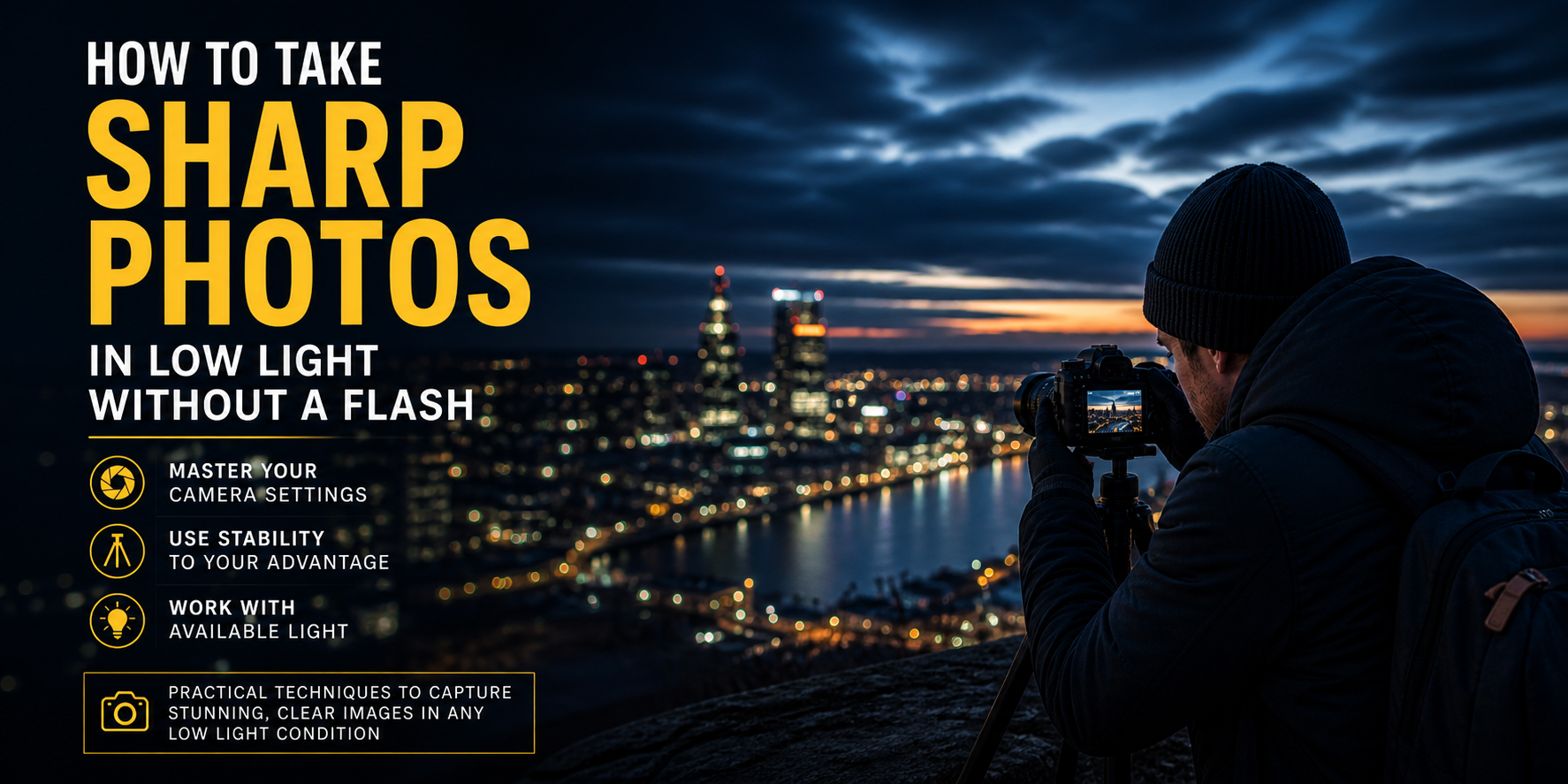

Learning how to take sharp photos in low light without a flash requires mastering three camera settings: aperture, ISO, and shutter speed. In this guide, you’ll find every technique you need to shoot sharp, blur-free images in any dark environment — no flash required.see Adobe’s official Lightroom documentation.
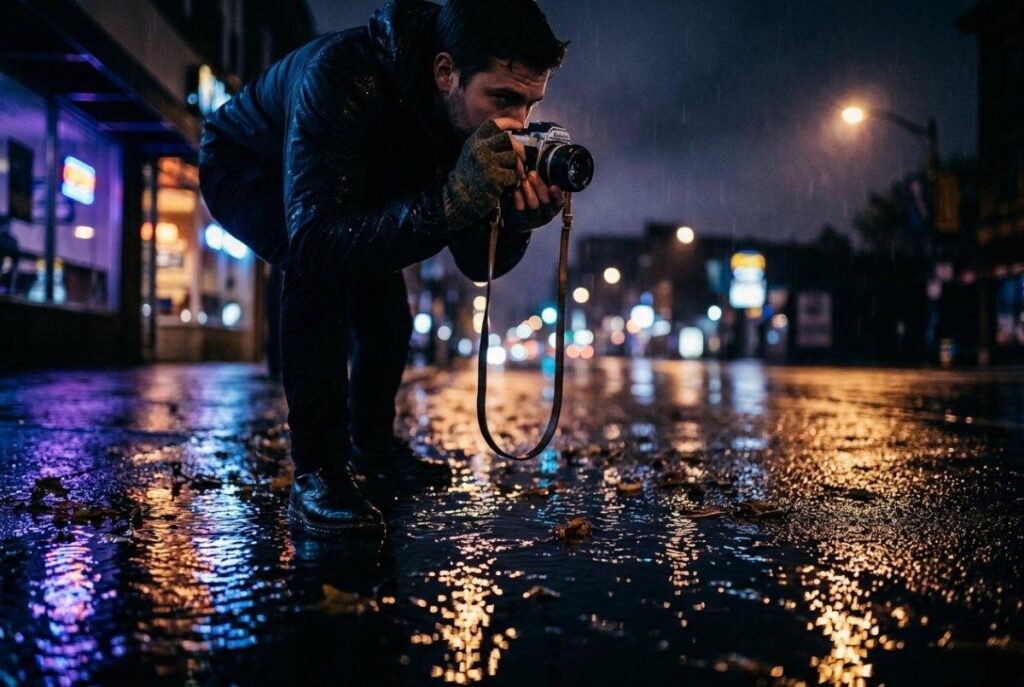
In-Depth Guide · Camera Settings · 2026
How to Take Sharp Photos in Low Light
Without a Flash
The complete guide to shooting in darkness, candlelight, and mixed indoor light — with real camera settings, 7 proven techniques, and an editing workflow that saves even your most difficult shots.
In-Depth Guide Camera Settings Shooting Technique All Levels
✦ Quick Answer
Knowing how to take sharp photos in low light without a flash comes down to three things: wide aperture to let in more light, controlled ISO to manage noise, and eliminating camera shake. Master these three levers and you can shoot confidently in nearly any environment without touching your flash.
If you want to know how to take sharp photos in low light without a flash, you’re dealing with the most common photography frustration beginners and intermediate photographers face. You’re at a restaurant with friends. The light is warm, atmospheric, and flattering — but every photo you take is blurry, grainy, or has that harsh, flat look that flash creates. You know the scene is beautiful. Your camera disagrees.
The good news: it has nothing to do with your camera. It’s a technique problem with a straightforward solution. After shooting weddings, concerts, restaurants, and indoor events for years, these seven techniques eliminate blur and grain in low light without a single burst from your flash.
Why flash hurts more than it helps in low light photography
The instinct to reach for flash in a dark room is understandable — but on-camera flash is almost always the wrong answer. Flash is a hard, direct light source that eliminates shadow, flattens faces, and erases the mood of any environment. A candlelit dinner photographed with flash looks like a crime scene. The same scene shot without flash, with the right settings, looks cinematic.
Ambient light tells the story. The warm glow of streetlights, the flicker of candles, the blue-hour sky through a window — these light sources create depth, colour, and atmosphere that flash destroys in an instant. Learning to work with available light is not a compromise. It’s an upgrade.
Understanding the exposure triangle — the foundation of sharp low light photos
Before the seven techniques, one foundational concept makes everything else click: the exposure triangle. Every photograph is the result of three settings working together — ISO, aperture, and shutter speed. To take sharp photos in low light without flash, you need to balance all three. But each has a cost.
ISO
Sensitivity
Higher ISO = more noise. Raise it when aperture and shutter are maxed out.
Aperture
f/stop
Lower f/number = more light. Your first tool in any low-light situation.
Shutter Speed
Seconds
Slower = more light but risk of motion blur. Keep it above 1/focal length.
Think of it as filling a bucket with water. You have three taps — ISO, aperture, and shutter — and you need to fill the bucket to make an exposure. In bright light, you barely need to open any tap. In low light, you open all three as far as you can before the downsides (noise, blur, and shallow depth of field) become unacceptable.
7 techniques to take sharp photos in low light without a flash
Tip 01
Open your aperture wide (f/1.4 to f/2.8)
Your aperture is the first thing to adjust in any low-light situation. A wide aperture — f/1.8, f/1.4, or f/2.8 — physically opens the lens iris to let in dramatically more light with zero impact on noise or motion blur. Moving from f/5.6 to f/1.8 is the equivalent of letting in nine times more light. It’s the cleanest, most effective tool you have.
The trade-off is shallow depth of field. At f/1.8, your focus plane is razor thin — perfect for isolating a subject against a blurred background, but demanding of precise focus technique. Keep your subject’s eyes sharp and everything else can fall away beautifully. For low-light shooting, a 50mm f/1.8 lens is the single best investment a beginner can make.
Tip 02
Raise ISO strategically — and fix noise in post
ISO amplifies your camera’s sensor signal to produce a brighter image in darkness. The cost is digital noise — that grainy, speckled texture that degrades image quality. But modern cameras handle high ISO far better than they did five years ago, and Lightroom’s noise reduction tools — especially the AI Denoise feature — can recover high-ISO files that would have been unusable before. For technical details, see Adobe’s official Lightroom noise reduction documentation.
A useful starting point: entry-level crop sensor cameras stay clean up to ISO 1600–3200. Full-frame cameras push cleanly to ISO 6400 or beyond. Go higher when you need to, knowing that a sharp noisy shot is always better than a clean blurry one. You can reduce noise in Lightroom. You cannot un-blur a photo.
✦ From Camegraphy
Low Light Lightroom Preset Pack
One-click cinematic shadows, recovered highlights, and AI noise reduction built in. Finish your low-light shots in seconds.
Shop Lightroom Presets → Browse All ProductsTip 03
Slow your shutter speed — without losing sharpness
A slower shutter speed allows more light to reach the sensor over a longer exposure window. The risk is motion blur — either from a moving subject or from camera movement in your hands. The key rule: your minimum safe shutter speed is 1 divided by your focal length. Shooting at 50mm? Keep your shutter at 1/50s or faster. At 85mm? 1/85s minimum.
For static scenes — empty streets, architecture, still life — you can go much slower on a tripod. For moving subjects like people at events, the subject’s movement is your limiting factor regardless of stabilisation. Use burst mode at slower speeds to maximise your keeper rate.
Tip 04
Eliminate camera shake — the #1 cause of blur in low light photos
Camera shake is responsible for more blurry low-light photos than any other factor — more than high ISO, more than a slow shutter. Even at 1/100s, hand movement can introduce visible blur when light is scarce. Your solutions, in order of effectiveness: tripod, monopod, bracing against a wall or surface, and in-body image stabilisation (IBIS).
If you’re shooting on a tripod, use your camera’s 2-second self-timer or a remote shutter release. IBIS — available on most modern mirrorless cameras — can recover 4–6 stops of handheld stability, effectively making a 1/10s exposure as stable as a 1/100s shot.
✦ Key Insight
A $20 remote shutter release and a $30 mini-tripod will improve your low-light results more dramatically than spending $500 on a faster lens. Stabilisation is always the first investment. Speed is the second.
Tip 05
Use available light creatively — stop fighting the dark
Every low-light environment has light sources — you just need to find them and use them intentionally. Street lamps, neon signs, candles, window light from outside, screens, fairy lights. Position your subject between you and any available light source so the light falls on their face, not behind them.
The colour temperature of artificial light — the orange warmth of tungsten bulbs, the blue of open sky through a window, the green tint of fluorescent — is not a problem to correct. It’s character. Embrace it in your colour grade, or use it as contrast: a warm subject against a cool background creates visual depth that perfectly lit scenes rarely achieve.
Tip 06
Shoot in RAW format — always in low light
JPEG files discard roughly 80% of the exposure data your camera captures in order to produce a smaller file. In good light, this is often acceptable. In low light, it is not. A RAW file preserves every bit of data from the sensor — underexposed shadows can be lifted by 3–4 stops, blown highlights can often be pulled back, and noise reduction is dramatically more effective on RAW data than on a JPEG that has already been processed.
The practical result: a low-light RAW file that looks unusable straight from the camera can become a professional-quality image in Lightroom in two minutes. The same shot in JPEG cannot be saved. In low light, RAW is not optional.
Tip 07
Master manual focus in the dark
Autofocus systems work by detecting contrast. In low light, contrast disappears — and AF systems respond by hunting back and forth, missing the moment, or locking onto the wrong element entirely. The solution is to take control manually.
Switch your lens to manual focus and use your camera’s magnification feature to zoom into your subject’s eye and dial in perfect focus. Focus peaking — a feature on most modern cameras that highlights in-focus edges in a colour overlay — is invaluable in dim conditions. For predictable moments like a stage entrance or a doorway, pre-focus on that point before the action begins and wait.
Camera settings cheat sheet — sharp photos in low light by scene
Use this table as a starting point for how to take sharp photos in low light without a flash across different environments. Adjust from these values based on your specific lighting conditions and subject movement.
| Scene | Aperture | ISO | Shutter Speed | Flash |
|---|---|---|---|---|
| Candlelit dinner | f/1.8 | 1600–3200 | 1/60s | Never |
| Indoor portrait (window light) | f/2.0 | 800–1600 | 1/100s | No |
| Live music / concert | f/2.8 | 3200–6400 | 1/200s+ | No |
| Street at night (static) | f/5.6 | 800–1600 | 1/15–1/2s (tripod) | No |
| Wedding reception | f/2.0 | 2000–4000 | 1/80s | No |
| Architecture / interiors | f/8 | 400–800 | 1–5s (tripod) | No |
The complete low light editing workflow in Lightroom
Getting the shot is half the job. These four steps turn a raw low-light capture into a finished image in Lightroom — completing your workflow for sharp photos in low light without a flash.
Frequently asked questions — sharp photos in low light
Can I take sharp photos in low light with a kit lens?
Yes, with limitations. Most kit lenses max out at f/3.5–5.6, which means you’ll need to raise ISO higher to compensate. Use a tripod for static scenes, keep shutter speed above 1/50s for handheld shots, and run noise reduction in post. Results will be softer than a fast prime, but sharp and usable shots are absolutely achievable.
What is the best ISO for low light photography?
There is no single best ISO — it depends on your camera’s sensor and your acceptable noise level. A general guide: use the lowest ISO that still gives you a usable shutter speed. For indoor events, ISO 1600–3200 is a reasonable starting point on a crop sensor camera. On a full-frame camera, ISO 3200–6400 is common. Always shoot RAW so noise reduction has maximum data to work with.
How do I stop blurry photos in low light?
Blur in low light has two sources: camera shake and subject motion. For camera shake, use a tripod or brace against a surface, and keep shutter speed above the reciprocal of your focal length (1/50s at 50mm). For subject motion, you need a fast enough shutter speed to freeze movement — typically 1/100s for slow movement, 1/250s or faster for fast action. Raise ISO to allow a faster shutter before accepting blur.
Is f/1.8 good enough for indoor photography without flash?
For most indoor photography situations — restaurants, events, indoor portraits, home settings — f/1.8 is excellent. It lets in dramatically more light than a kit lens, gives you a beautiful separation between subject and background, and is available on very affordable lenses like the 50mm f/1.8. The only limitation is very shallow depth of field, which requires precise focus technique. For group shots indoors, stop down to f/2.8–4 and raise ISO to compensate.
Do I need a full-frame camera for low light photography?
No. Technique matters far more than camera body in low light. A crop sensor camera with a fast prime lens, good stabilisation, and a photographer who understands exposure will consistently outperform a full-frame camera in auto mode. Full-frame sensors do handle high ISO better, but the difference only becomes decisive above ISO 6400. Master technique on whatever camera you have.
Can Lightroom fix a noisy low-light photo?
Yes, significantly — especially with AI Denoise (Lightroom 2023 and later). High-ISO RAW files that appear unusable out of camera can be recovered to a professional standard with Lightroom’s Denoise tool. JPEG files are much harder to recover because the data has already been processed and compressed. This is one of the strongest arguments for always shooting RAW in low light.
✦ Complete your workflow
Professional Presets, Actions & LUTs from Camegraphy
Built for photographers who shoot in difficult light. One-click colour grades, noise-aware presets, and cinematic LUTs for Lightroom and Photoshop.
Shop Lightroom Presets → Shop Photoshop Actions →

1 Comment
Daniel Ander
04th May 2026thank you