

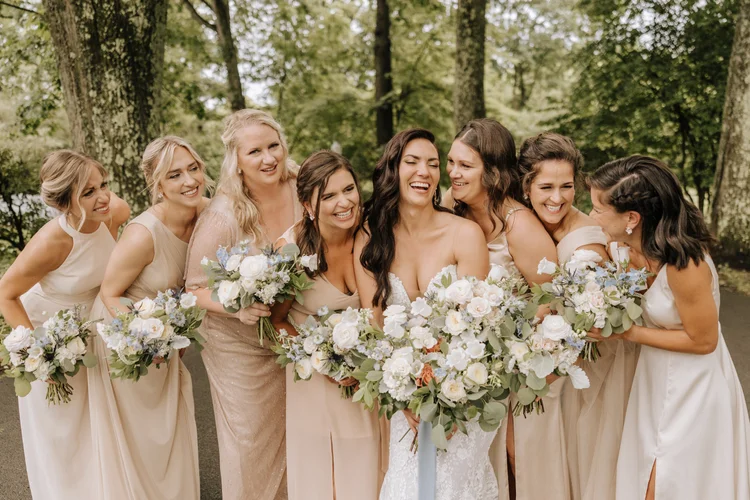
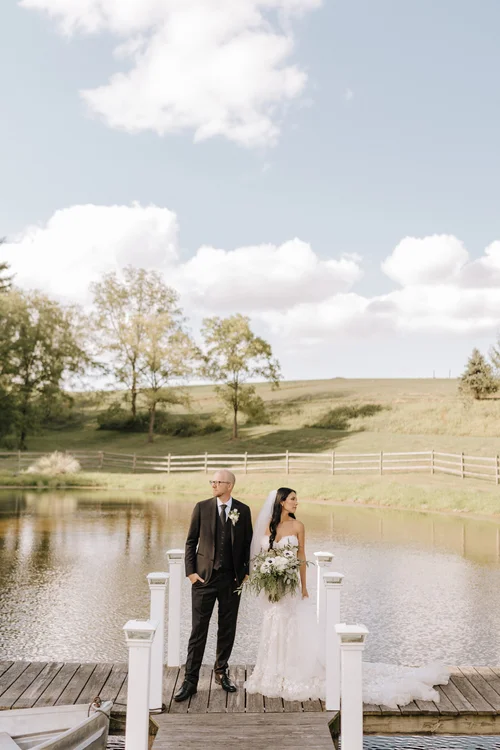
Bloom Lightroom Presets for Lightroom Classic
Bloom Lightroom Presets
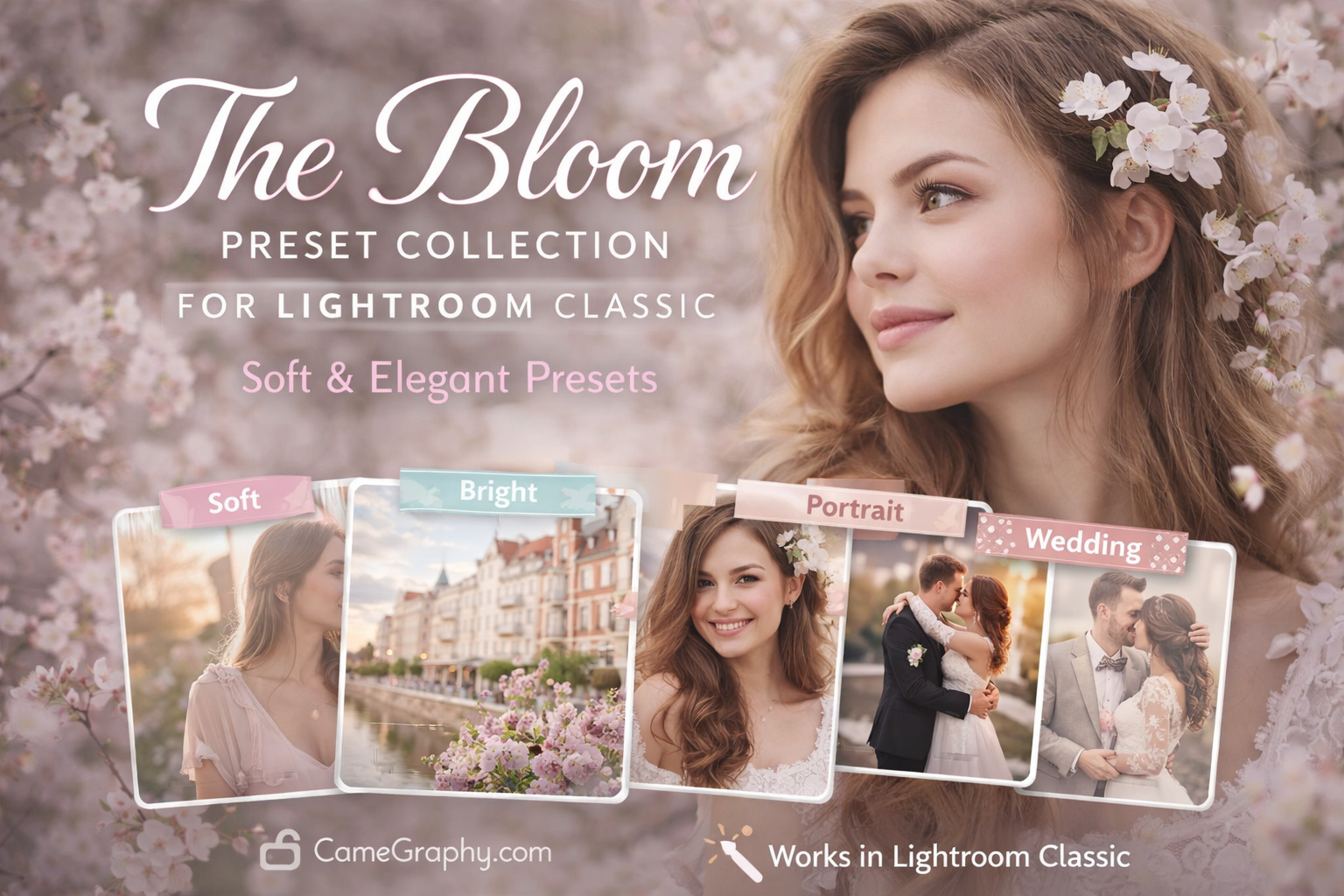
Transform your photos with the Bloom Preset Collection for Lightroom Classic.
This collection helps photographers create soft, bright, and elegant edits in seconds.
What Are Bloom Lightroom Presets?
These are one-click editing presets designed to give your photos a soft, airy,
and romantic look. Instead of spending hours adjusting sliders, you can achieve
a consistent and professional style instantly with Bloom Lightroom Presets.
What’s Included
– Premium presets for Lightroom Classic
– Soft and bright editing styles
– Portrait and wedding presets
– Natural skin tone adjustments
– Lifestyle and outdoor presets
– Easy installation guide
– Compatible with Lightroom Classic and Lightroom CC
Who Is This For?
This collection is perfect for:
– Wedding photographers who want a soft romantic style
– Portrait photographers looking for natural skin tones
– Lifestyle photographers creating bright and airy content
– Instagram creators who want a consistent feed aesthetic
– Beginner photographers who want professional results fast
How to Install Your Presets
1. Download and extract the preset files
2. Open Lightroom Classic on your computer
3. Go to the Develop module
4. Right-click on the Presets panel and select Import Presets
5. Select the .xmp files from your download folder
6. Your presets are now ready to use with one click
Tips for Best Results
– Use these presets on well-exposed photos for best results
– Adjust the exposure slider slightly after applying if needed
– These presets work best with natural light photography
– Try combining presets for a unique custom look
– Works great for both indoor and outdoor portraits
Why Choose Camegraphy?
At Camegraphy, we create professional photography tools tested across different
lighting situations, skin tones, and camera types. Every preset in our collection
delivers consistent and beautiful results. Learn more about
professional Lightroom editing at Adobe’s official website:
https://helpx.adobe.com/lightroom-classic/tutorials.html
Compatible Software
– Adobe Lightroom Classic
– Adobe Lightroom CC
– Adobe Lightroom Mobile
– Compatible with Canon, Nikon, Sony, and all major camera brands
Frequently Asked Questions About Bloom Lightroom Presets
Q: Do Bloom Lightroom Presets work on Lightroom Mobile?
A: Yes! The collection includes DNG files that work perfectly on Lightroom Mobile for iOS and Android.
Q: What file format are the Bloom Lightroom Presets?
A: The presets come in .xmp format compatible with Lightroom Classic and Lightroom CC 2018 and above.
Q: Can I use Bloom Lightroom Presets for commercial photography?
A: Yes, you can use these presets for both personal and commercial photography projects.
Q: Do Bloom Lightroom Presets work with all cameras?
A: Yes, these presets are designed to work with RAW and JPEG files from Canon, Nikon, Sony, Fuji, and all major camera brands.
Q: What if the preset looks too strong on my photo?
A: Simply reduce the opacity of the preset or adjust the exposure and temperature sliders to fine-tune the look.
Q: Is there a free trial available?
A: We offer other free presets on Camegraphy. Check our shop for free photography resources and tools.
Q: How long does delivery take?
A: Bloom Lightroom Presets are delivered instantly as a digital download after purchase. No waiting required.
Download your Bloom Lightroom Presets today and start creating beautiful,
professional photos that stand out. Perfect for photographers at every level
who want consistent and stunning results with every shot.
Call To Action
Start creating soft and elegant photos today.
Download The Bloom Preset Collection for Lightroom Classic now

Reviews
There are no reviews yet.