

1500 Best High Resolution Backgrounds for Photoshop & Graphic Design
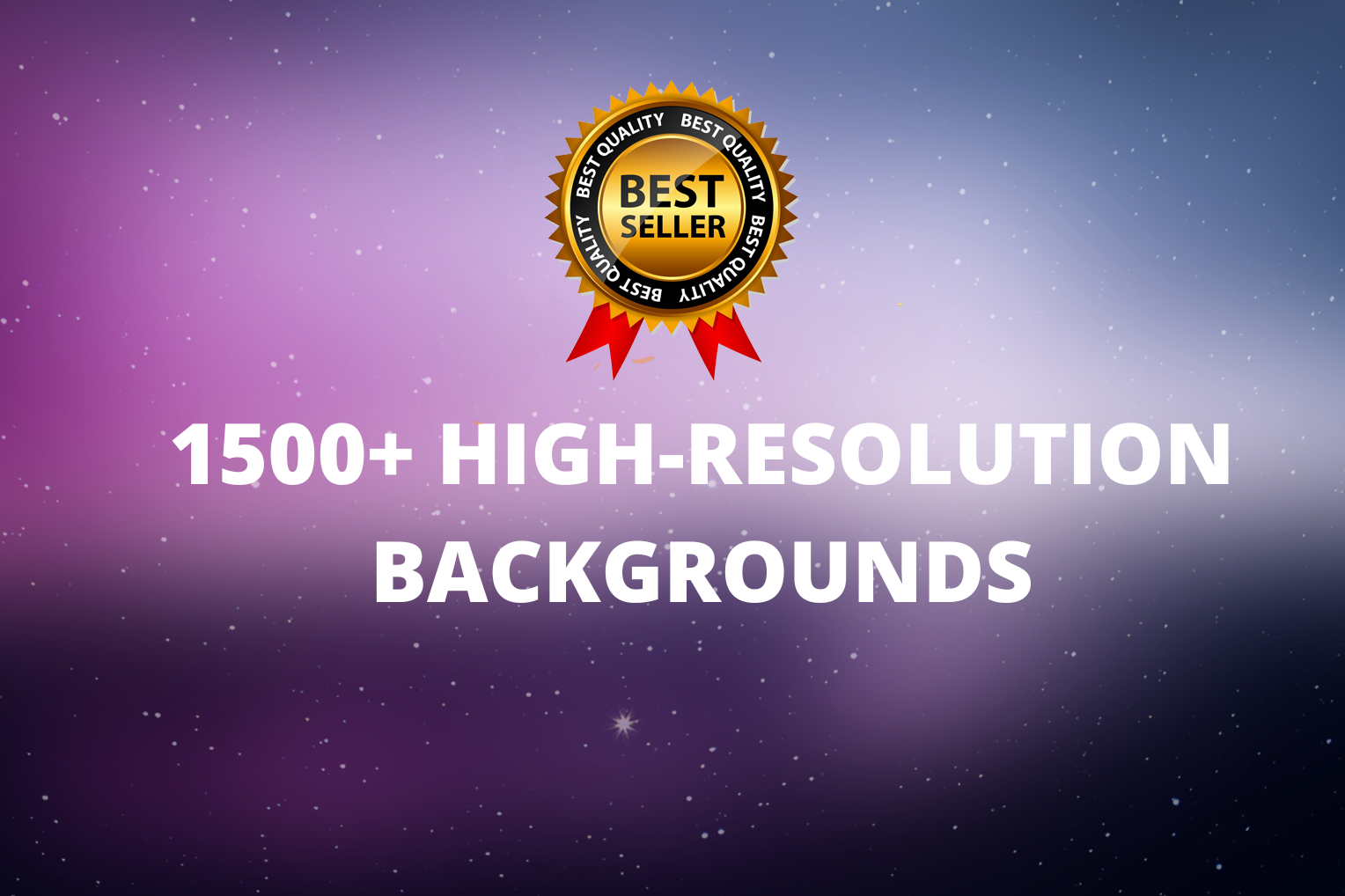
1500 Best High Resolution Backgrounds for Photoshop & Graphic Design
Elevate your creative workflow with the ultimate collection of 1500
High Resolution Backgrounds — a premium, professionally designed
library built for photographers, graphic designers, and digital
artists who demand exceptional quality in every project.
This expansive pack gives you instant access to 1,500 unique
high resolution backgrounds across a wide range of styles,
textures, and color palettes — all in one affordable download.
Who Are These High Resolution Backgrounds For?
This premium background collection is the perfect solution for
creative professionals across multiple industries:
🎨 Graphic designers creating posters, banners, and branding materials
📸 Portrait photographers building composite images and photo manipulations
📱 Social media managers and content creators
🛍️ E-commerce designers working on product listings and ads
🖥️ Web designers needing high-quality visual assets
🎬 Video editors and motion designers looking for versatile backdrops
Whether you need subtle textures for a professional presentation
or dramatic atmospheric scenes for a creative composite, these
high resolution backgrounds deliver exactly what you need.
Key Features of This High Resolution Backgrounds Pack
✅ 1,500 unique high resolution background files
✅ Exceptional clarity for both print and digital applications
✅ Wide variety — gradients, textures, abstract, atmospheric & more
✅ Optimized for Photoshop compositing and photo manipulation
✅ Perfect for web, social media, print, and branding projects
✅ Easy drag-and-drop integration into any design workflow
✅ Compatible with Photoshop, Illustrator, Canva, and more
✅ Instant digital download — access your files immediately after purchase
High Resolution Background Styles Included
This collection covers every creative style and design need:
🔹 Subtle Gradients — smooth color transitions for clean, modern designs
🔹 Abstract Patterns — bold, geometric shapes for eye-catching visuals
🔹 Dramatic Textures — grunge, concrete, metal, and fabric textures
🔹 Atmospheric Scenes — bokeh lights, fog, and mood-setting environments
🔹 Nature-Inspired — forest, sky, water, and organic textures
🔹 Dark & Moody — deep shadows and low-key tones for dramatic composites
🔹 Bright & Clean — light, airy whites and pastels for lifestyle content
🔹 Studio-Style — plain and gradient backgrounds for product photography
With 1,500 options across these categories, you will always have
the perfect high resolution background for any project.
How to Use High Resolution Backgrounds in Photoshop
Using your new backgrounds in Adobe Photoshop is quick and simple:
1. Download and unzip your high resolution backgrounds pack
2. Open Adobe Photoshop and create a new document or open your photo
3. Go to File → Place Embedded and select your chosen background file
4. Resize and position the background layer as needed
5. Use blending modes and layer masks to integrate it naturally
6. Adjust brightness, color, and saturation to match your composition
For advanced compositing techniques using backgrounds, visit the
official
Adobe Photoshop compositing guide for detailed
tutorials on blending and masking.
You can also explore our full range of
Graphic Design resources at Camegraphy to
complete your professional design toolkit.
Pro Tips for Getting the Best Results
Follow these expert tips to make the most of your high resolution
backgrounds in every project:
🔹 Always use Smart Objects when placing backgrounds in Photoshop
— this keeps them fully editable and non-destructive
🔹 Use the Hue/Saturation adjustment layer to quickly change the
background color without altering the texture
🔹 Apply a subtle Gaussian blur to your background to create
realistic depth of field behind your subject
🔹 Experiment with blending modes like Multiply, Overlay, and
Soft Light to create unique composite effects
🔹 Match the light direction of your background to your subject
for the most natural-looking composites
🔹 Scale backgrounds at 100% or larger — never scale up beyond
original size to maintain maximum resolution quality
Compatible Software & File Formats
These high resolution backgrounds are delivered in standard
image formats compatible with virtually every creative application:
– Adobe Photoshop CC and Classic (all versions)
– Adobe Illustrator
– Adobe InDesign
– Canva Pro
– Affinity Photo and Affinity Designer
– GIMP (free alternative)
– Any software supporting high-resolution JPEG or PNG files
All files are delivered at full print-quality resolution, ensuring
crisp, sharp results whether you are creating large-format prints
or high-definition digital content.
Instant Download Details
After completing your purchase, you will receive an instant download
link to a ZIP file containing all 1,500 high resolution backgrounds
organized into clearly labeled style folders. Simply unzip, drag
into your design software, and start creating — no activation
required, no waiting.
📥 Instant Download | 1,500 High-Resolution Files | Print & Web Ready
Save valuable design time while expanding your creative possibilities
with this versatile background library built for professionals — only $4.99!

Yvonne –
Absolutely love these images, good content, and great quality. Will come again.
ASHLEY –
Great item! Would recommend to others
Lisa A. –
Beautiful collection- great variety Very happy with purchase
Mary Frank –
I would recommend it to others