

100 Cloud Brushes for Photoshop
Cloud Brushes for Photoshop
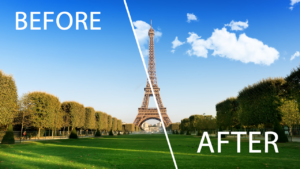
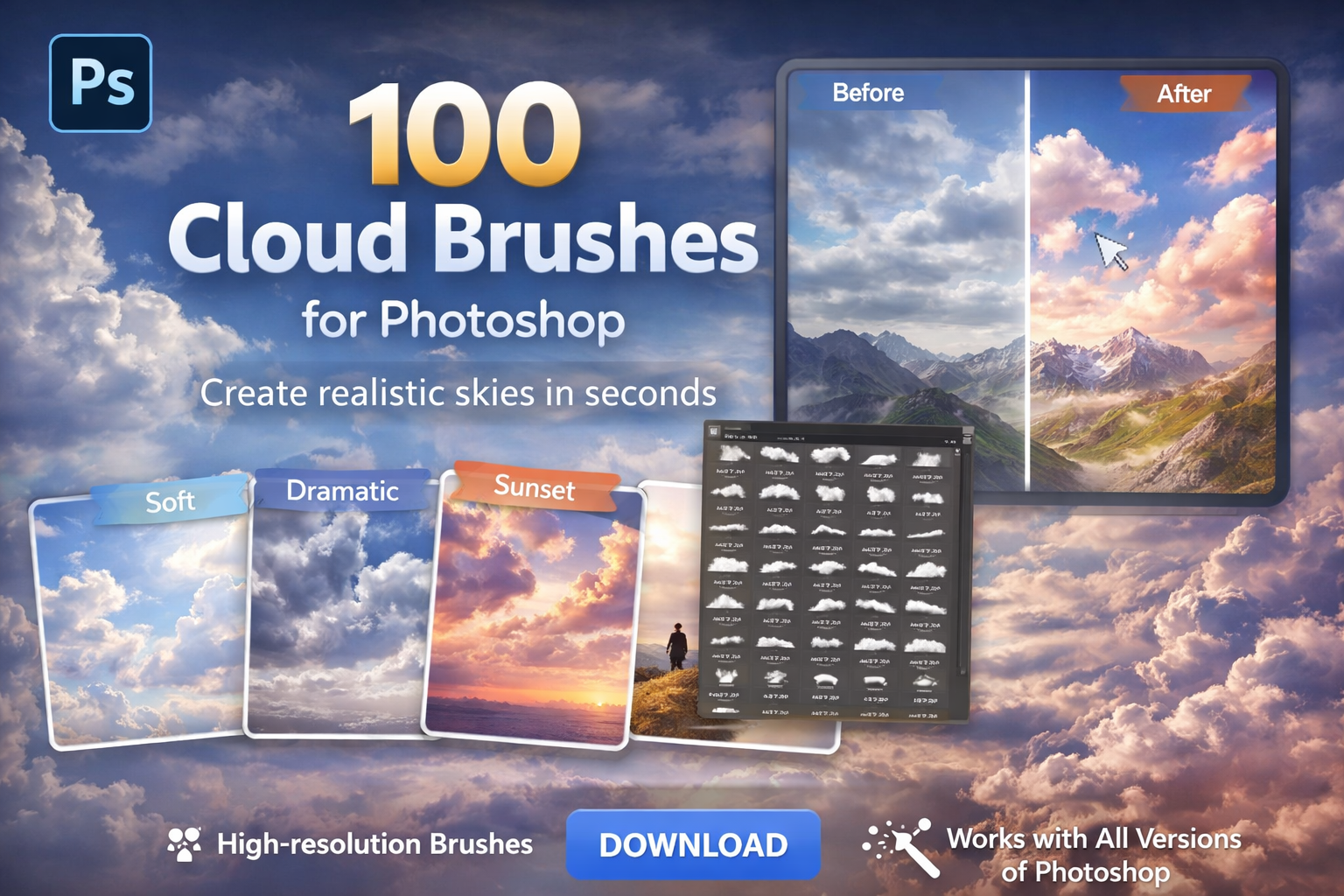
Create stunning, realistic sky effects with our premium collection of 100 Cloud Brushes for Photoshop. Whether you’re a professional photographer, digital artist, or graphic designer, these brushes will transform your images instantly.
What Are Cloud Brushes for Photoshop?
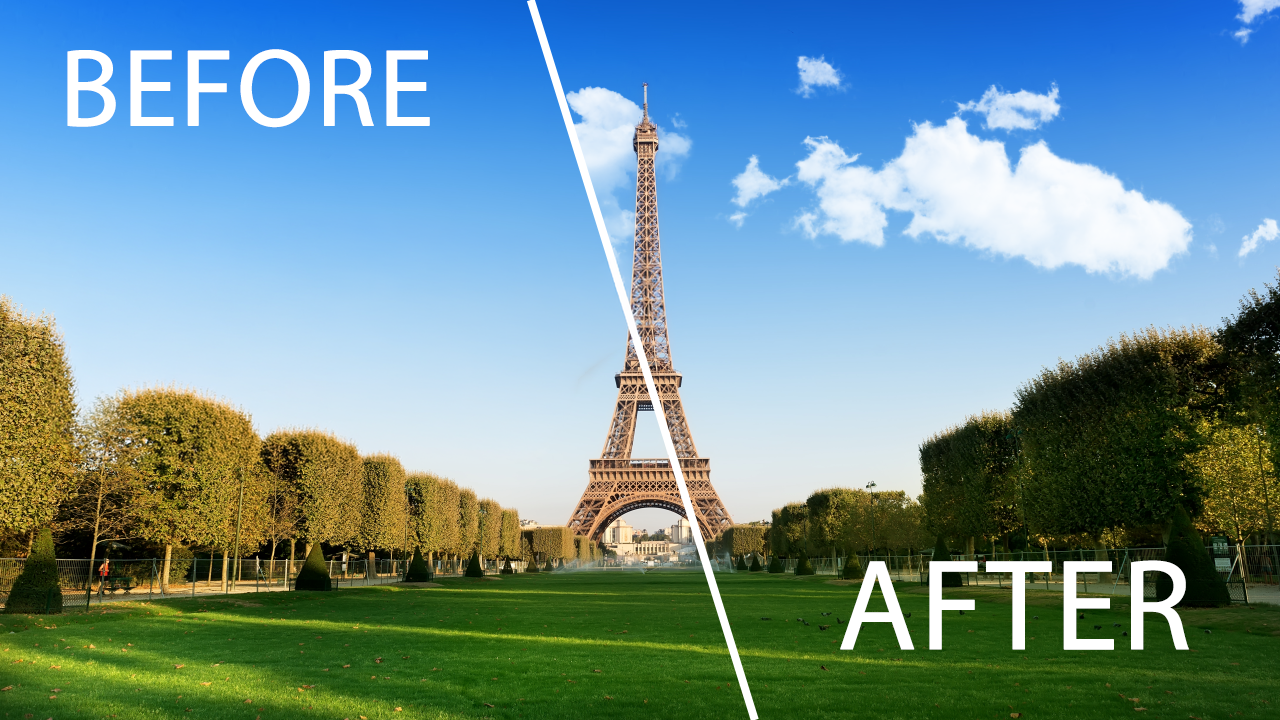
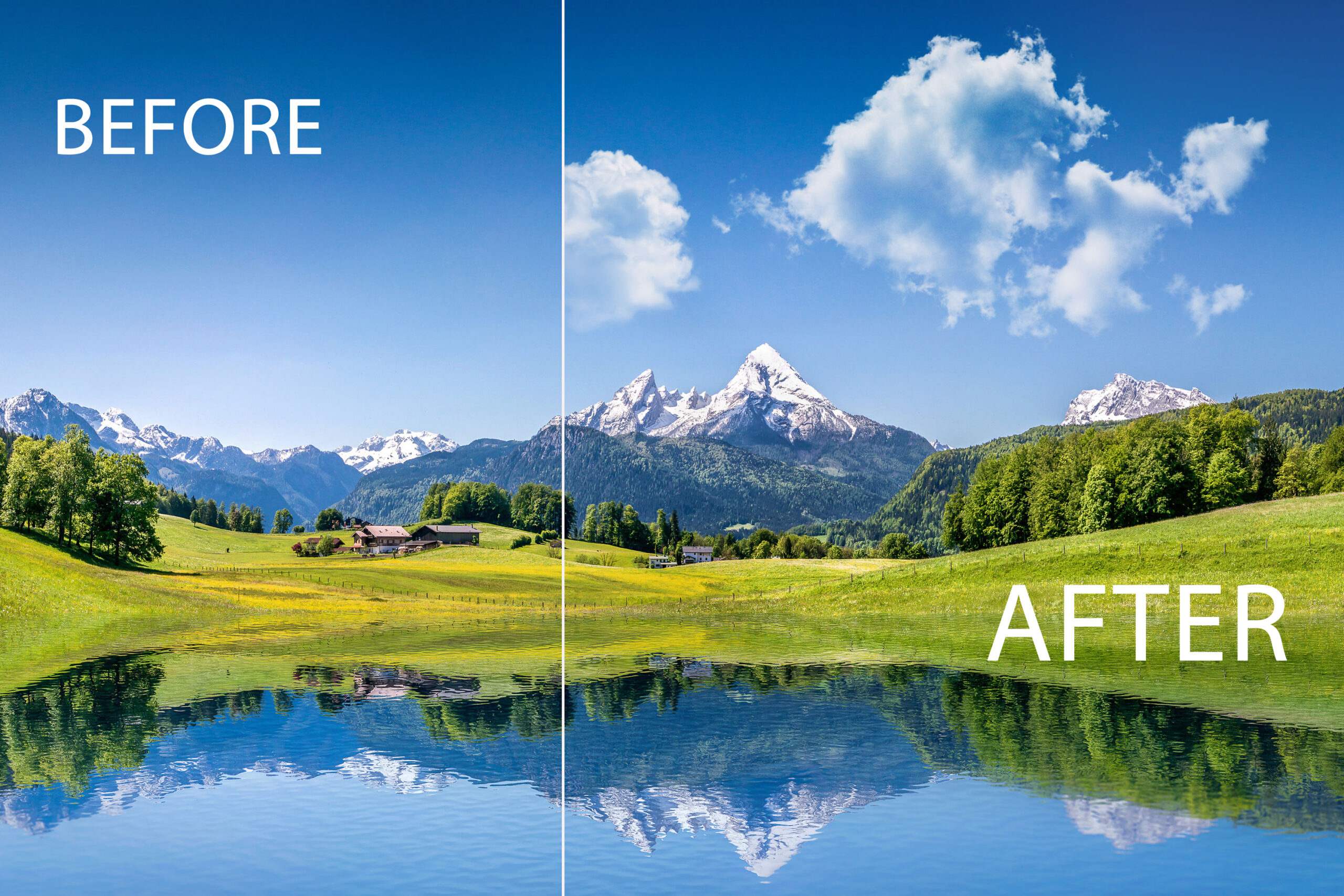
Cloud brushes for Photoshop are high-resolution brush presets that let you paint realistic clouds directly onto your images. Instead of spending hours manually editing skies, you can add dramatic cloud effects in seconds with just a few clicks.
What’s Included
– 100 unique cloud brushes for Photoshop
– High-resolution brush files (2500px+)
– Soft, dramatic, and stormy cloud styles
– Cumulus, cirrus, and stratus cloud types
– Easy installation guide included
– Compatible with Photoshop CS6 and above
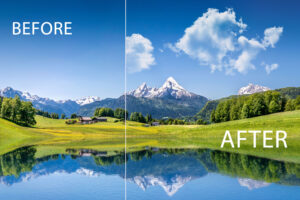
Who Is This For?
These cloud brushes are perfect for:
– Portrait photographers who want dramatic sky replacements
– Real estate photographers who need clean, beautiful skies
– Digital artists creating fantasy or cinematic compositions
– Graphic designers working on posters, flyers, and banners
– Wedding photographers adding romantic atmosphere to their shots
How to Use Cloud Brushes in Photoshop
1. Download and extract the brush files
2. Open Photoshop and go to Edit > Presets > Preset Manager
3. Select Brushes and load the .abr file
4. Create a new layer over your image
5. Select your cloud brush and paint your perfect sky
Why Choose Camegraphy Cloud Brushes?
At Camegraphy, we create professional photography tools designed by photographers for photographers. Our cloud brushes are tested on real projects to ensure they deliver natural, realistic results every time.
Compatible Software
– Adobe Photoshop CS6
– Adobe Photoshop CC (all versions)
– Adobe Photoshop 2024 / 2025 / 2026
Features
- High-quality cloud textures
- Easy to use
- Works with all Photoshop versions
- Perfect for sky editing and composites
Lightroom Presets for Photographers
How to Edit Photos in Lightroom


roberto mark –
I’ve been using these cloud brushes for about a month now and
honestly they’re worth every penny. The variety is impressive —
I mainly use them for sky replacements in portrait composites
and they blend really naturally. Installation was straightforward
and the download was instant. Would definitely recommend to any
Photoshop user looking to add realistic skies to their work.
Liz S –
Amazing brush pack! The cloud effects look incredibly realistic and saved me a lot of time in Photoshop. Perfect for adding atmosphere to any design or photo
Chris –
I’ve tried many cloud brushes before, but this set stands out. The resolution is high and works perfectly for both photo editing and digital art. Highly recommended
Ethan Brian –
Very versatile and useful! You can use these brushes for backgrounds, effects, or even creative compositions. Definitely worth it for any Photoshop user.
Greg J –
Excellent value for the price! The brushes are smooth, realistic, and easy to customize. It made my workflow much faster and more enjoyable