

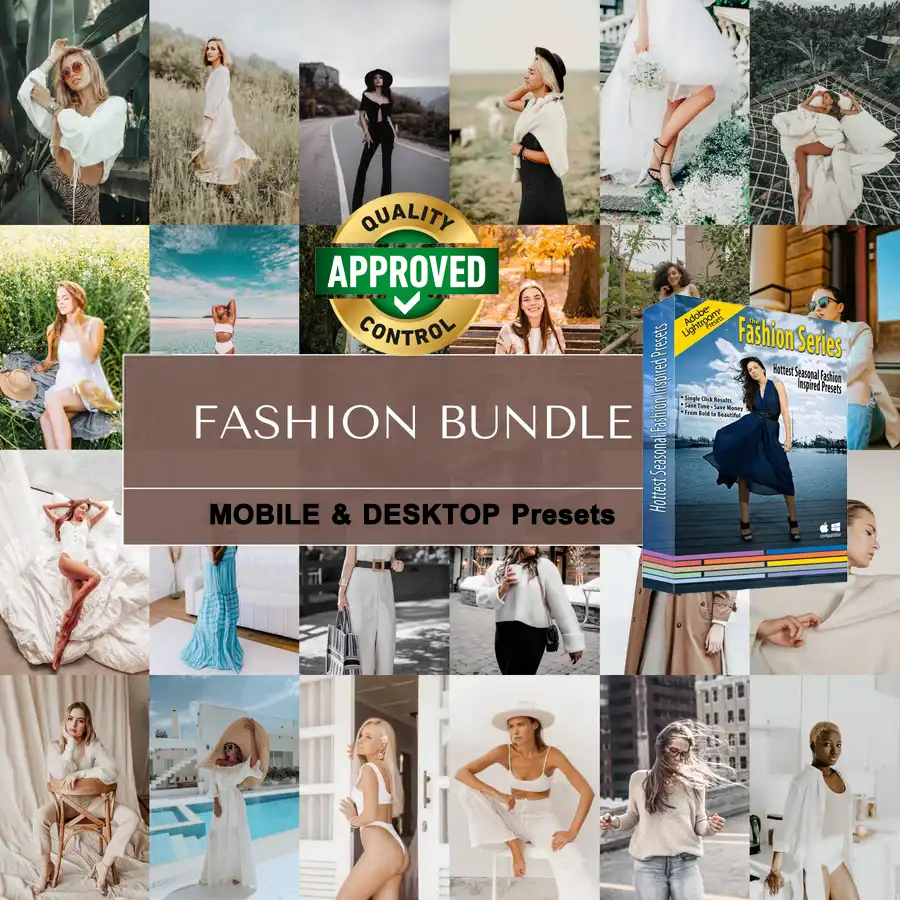
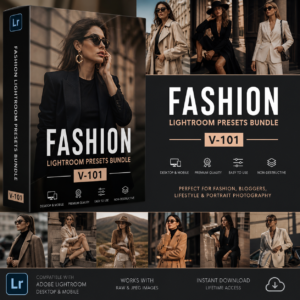
Best Fashion Lightroom Presets Bundle – Professional Editorial Photo Editing
Elevate your photography workflow and achieve stunning, editorial-quality
results with the Best Fashion Lightroom Presets Bundle — a powerful
collection designed specifically for photographers who want professional,
consistent photo edits with minimal effort and maximum impact.
Who Are These Fashion Lightroom Presets For?
This professional bundle is built for creative photographers and
editors who work in fast-paced, image-driven industries:
👗 Fashion and editorial photographers
📸 Portrait and studio photographers
🌆 Street fashion and lifestyle photographers
📱 Influencers and content creators
🛍️ Commercial and e-commerce product photographers
🎨 Photo editors managing high-volume client projects
Whether you shoot high-end editorial campaigns or casual lifestyle
content, these fashion Lightroom presets give you a polished,
consistent starting point for every single image.
Key Features of This Fashion Lightroom Presets Bundle
✅ Curated collection of professional fashion Lightroom presets
✅ Refined skin tone enhancement for natural, flattering results
✅ Balanced lighting and color grading for studio and outdoor shots
✅ Compatible with Lightroom Desktop and Lightroom Mobile
✅ Available in XMP and DNG formats
✅ Fully adjustable — non-destructive editing on every preset
✅ Optimized for RAW and JPEG files
✅ Works across a wide range of lighting conditions
✅ Instant digital download — start editing immediately after purchase
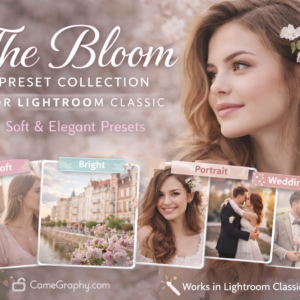
Fashion Lightroom Preset Styles Included
This bundle covers every fashion aesthetic and editorial mood:
🔹 Clean & Bright — crisp whites and neutral tones for studio fashion shots
🔹 Cinematic Editorial — high-contrast, moody looks for editorial campaigns
🔹 Warm Lifestyle — sun-kissed tones for outdoor fashion and street style
🔹 Cool & Modern — desaturated, sleek tones for contemporary fashion brands
🔹 Film & Vintage — grain-inspired looks with faded highlights for retro aesthetics
🔹 Bold & Vibrant — punchy, saturated colors for commercial and product photography
🔹 Soft & Feminine — pastel-toned presets for beauty and influencer content
Each style category gives you multiple preset variations so you can
find the perfect match for any shoot, client, or creative brief.
How to Install & Use Your Fashion Lightroom Presets
Setting up your new fashion Lightroom presets takes just a few minutes:
1. Complete your purchase and download the ZIP file instantly
2. Unzip the folder to reveal your XMP or DNG preset files
3. Open Adobe Lightroom Desktop or Mobile on your device
4. Navigate to the Presets panel on the left side of the Develop module
5. Right-click on User Presets and select Import Presets
6. Select your downloaded files and click Import
7. Browse your fashion presets and apply with a single click
For a full step-by-step installation guide, visit the official
Adobe Lightroom Presets Help Center.
You can also explore our complete collection of
professional Lightroom Presets at Camegraphy
to find more editing tools for every photography genre.
Pro Tips for the Best Fashion Lightroom Editing Results
Follow these tips to get the most out of your fashion Lightroom
presets and deliver magazine-quality results every time:
🔹 Always shoot in RAW format for maximum color data and editing flexibility
🔹 Apply the preset first, then adjust White Balance to match your light source
🔹 Use the HSL panel to fine-tune skin tones — reduce orange and red saturation
slightly for a more natural complexion
🔹 Adjust the Tone Curve after applying each preset for deeper contrast control
🔹 Apply the same preset across an entire gallery for a cohesive, branded look
🔹 Combine presets with manual adjustments to develop your own signature style
🔹 Use the Amount slider to reduce preset intensity for a more subtle effect
The best fashion photographers use presets as a foundation — not a
finished product. Small manual tweaks after applying your fashion
Lightroom presets will always elevate the final result.
Compatible Software & File Formats
These fashion Lightroom presets are fully compatible with:
– Adobe Lightroom Classic CC — Desktop (Windows & Mac)
– Adobe Lightroom CC — Desktop and Mobile
– Available in XMP format for Lightroom Classic
– Available in DNG format for Lightroom Mobile
– Syncs across devices via Adobe Creative Cloud
Note: These presets are designed exclusively for Adobe Lightroom
and are not compatible with Photoshop, Capture One, or mobile-only
editing apps like VSCO or Snapseed.
Instant Download Details
After completing your purchase, you will receive an instant download
link to a ZIP file containing your complete Fashion Lightroom Presets
Bundle organized into clearly labeled style folders. No activation
codes, no waiting — just download, unzip, import, and start editing.
📥 Instant Download | XMP & DNG Files | Lightroom Desktop & Mobile
Transform ordinary photos into striking fashion imagery and save
valuable editing time — only $3.99!
Reviews
There are no reviews yet.