

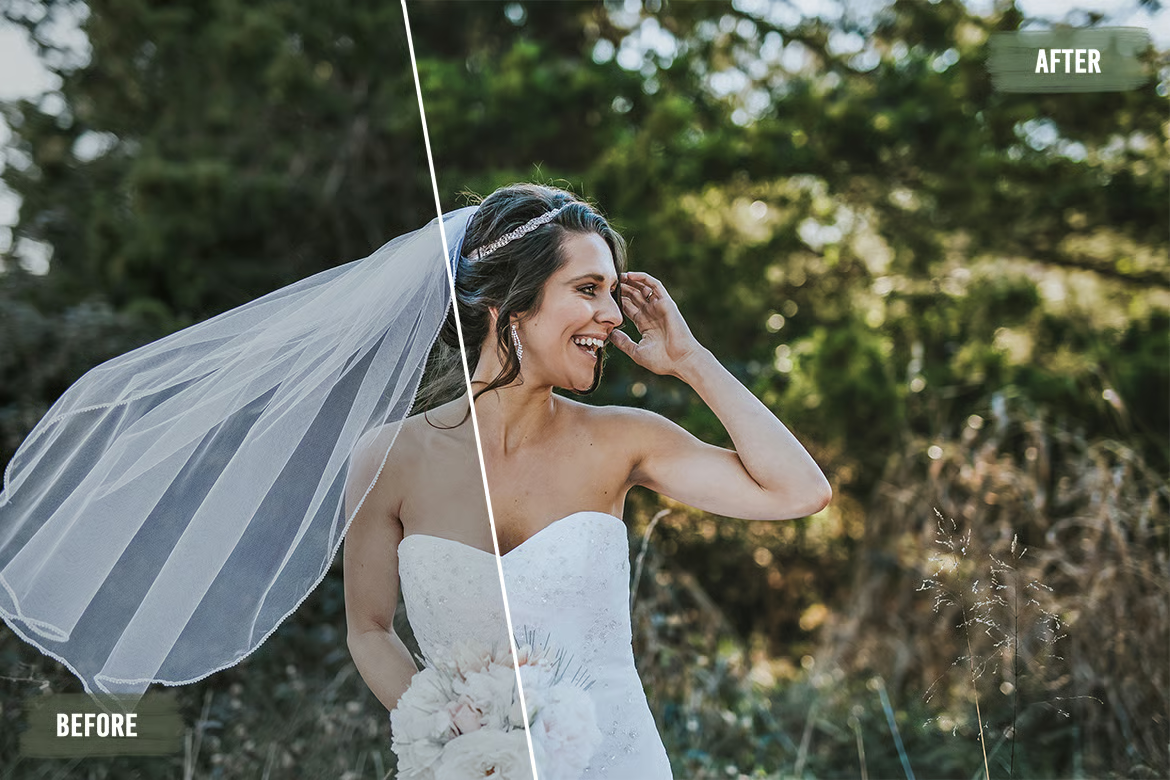
Lightroom Presets for Skin Retouching
Your portraits deserve more than average. Deliver flawless.
Lightroom Presets for Skin Retouching — 50 professional presets designed for portrait photographers…
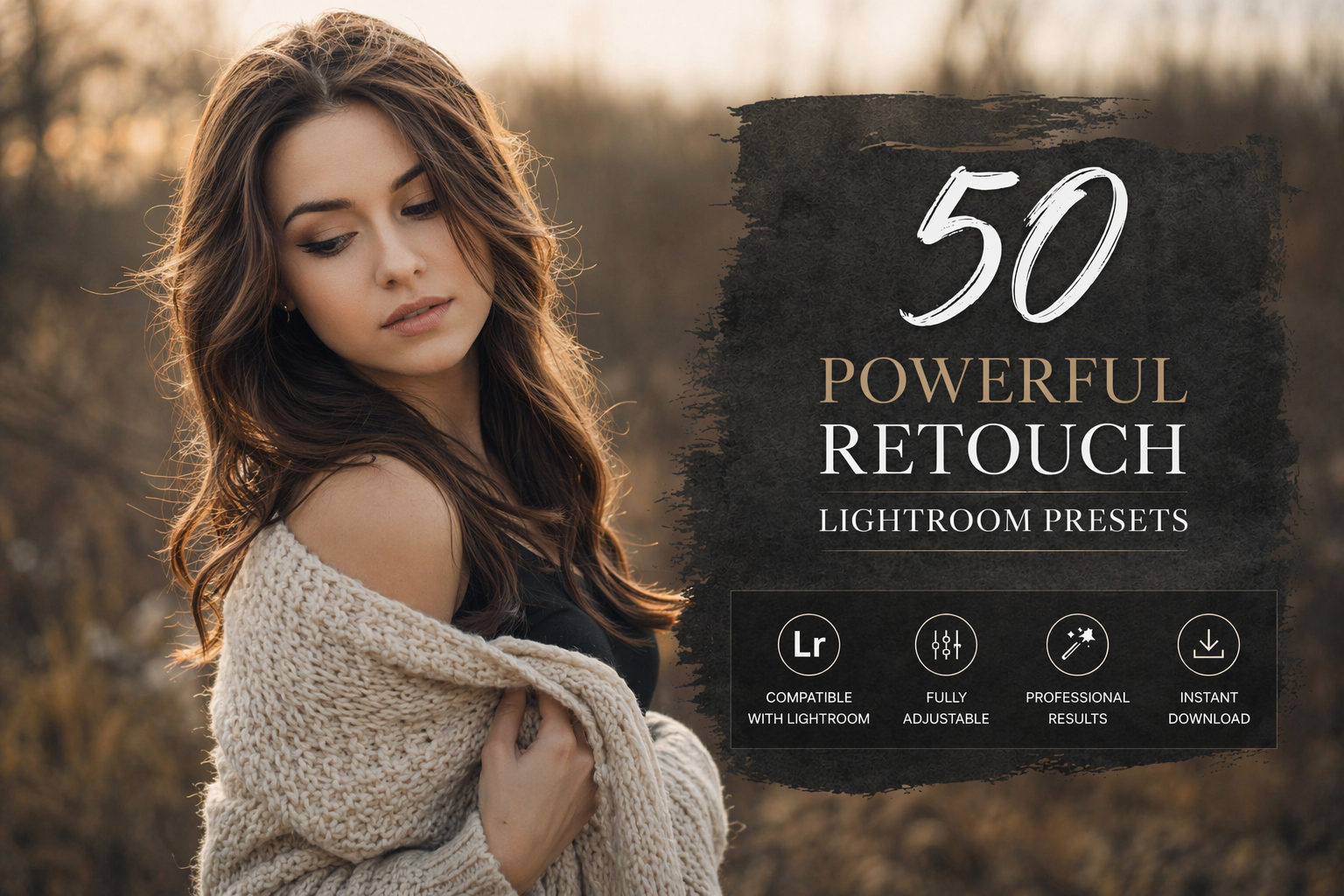
Introducing the 50 Powerful Retouch Lightroom Presets — a professional-grade collection crafted for portrait photographers, wedding shooters, and creative retouchers who demand perfection without spending hours behind the screen.
Every preset in this collection was engineered to target the most critical aspects of portrait retouching: skin tone correction, softness, luminosity, and tonal balance. Whether you’re working with natural light, golden hour, or studio setups — these presets adapt and deliver consistent, magazine-quality results.
What’s inside
- 50 premium .XMP + .DNG presets
- Skin softening & tone correction
- Natural light & warm portrait looks
- Studio & editorial retouching styles
- Works on Lightroom Classic, CC & Mobile
Who it’s for
- Wedding & portrait photographers
- Social media content creators
- Real estate & lifestyle shooters
- Beginners who want pro results
- Retouchers saving editing time
Unlike generic preset packs, these 50 Lightroom presets for skin retouching are built around real portrait sessions — tested across diverse skin tones, lighting conditions, and camera profiles. The result? Presets that actually work the first time you click them, not the fifth.
Stop over-editing. Start delivering. Download the 50 Powerful Retouch Presets today and transform your portrait workflow — instantly.
What version of Lightroom do these presets work with?
These presets are fully compatible with Lightroom Classic, Lightroom CC (desktop), and Lightroom Mobile. Both XMP and DNG formats are included for maximum compatibility.
Are these presets good for different skin tones?
Yes. All 50 presets have been tested across a wide range of skin tones — from fair to deep complexions — and are designed to enhance, not overpower, natural skin color.
How do I install Lightroom presets?
Simply download the ZIP file, extract the XMP files into your Lightroom Presets folder (or import via the Develop module), and they’ll appear instantly in your preset panel ready to use.
Can I use these for wedding and event photography?
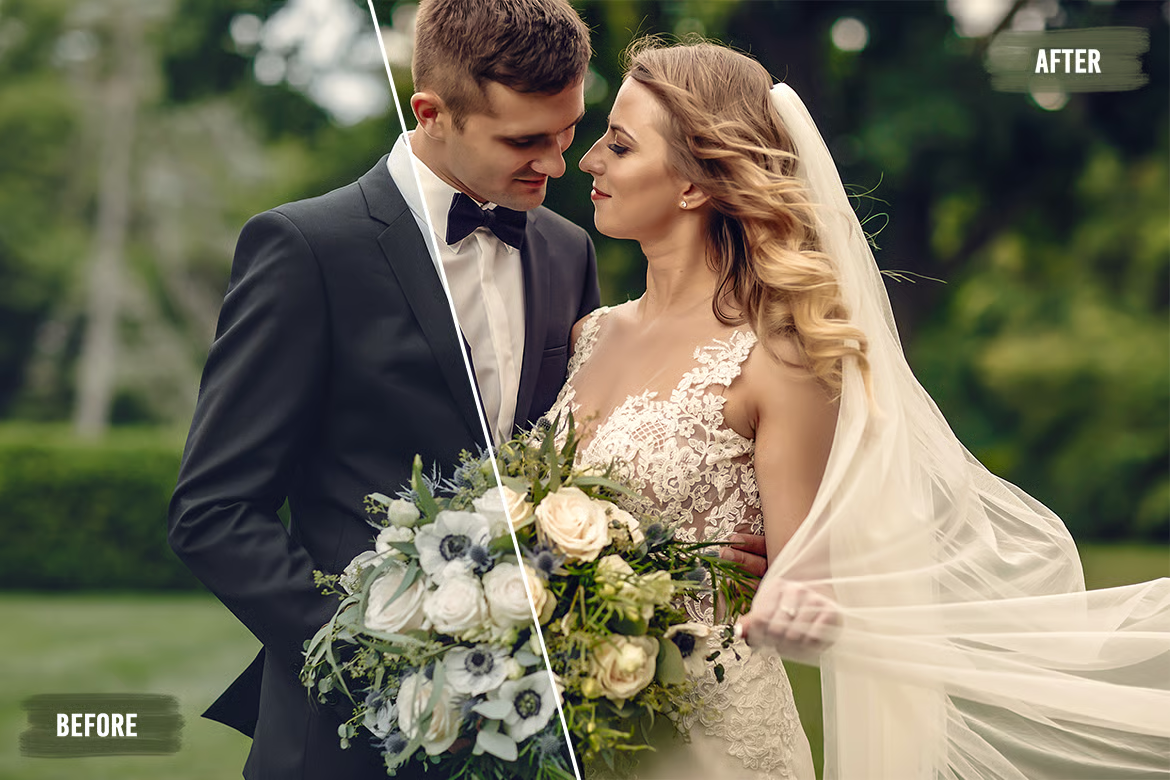
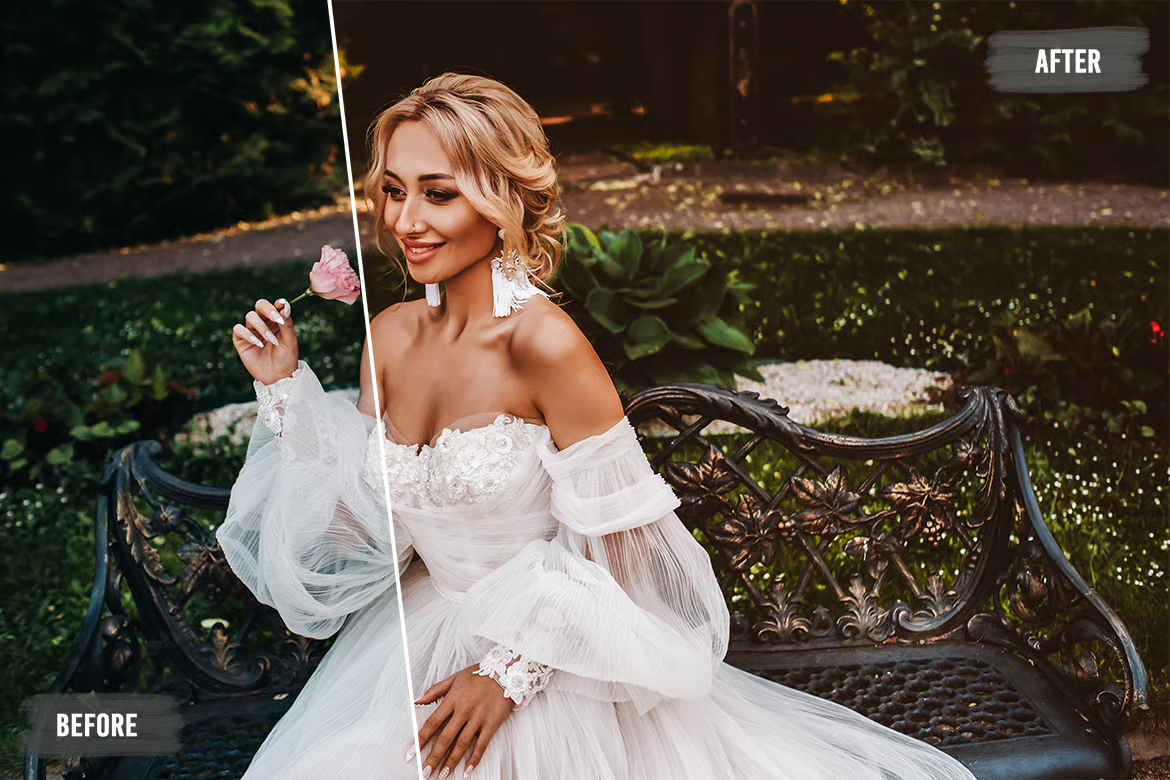
Absolutely. These Lightroom Retouch Presets were specifically designed with wedding photographers in mind — soft, warm, and flattering tones that work beautifully on both bridal and portrait sessions.

Reviews
There are no reviews yet.